Classifieds Marketplace
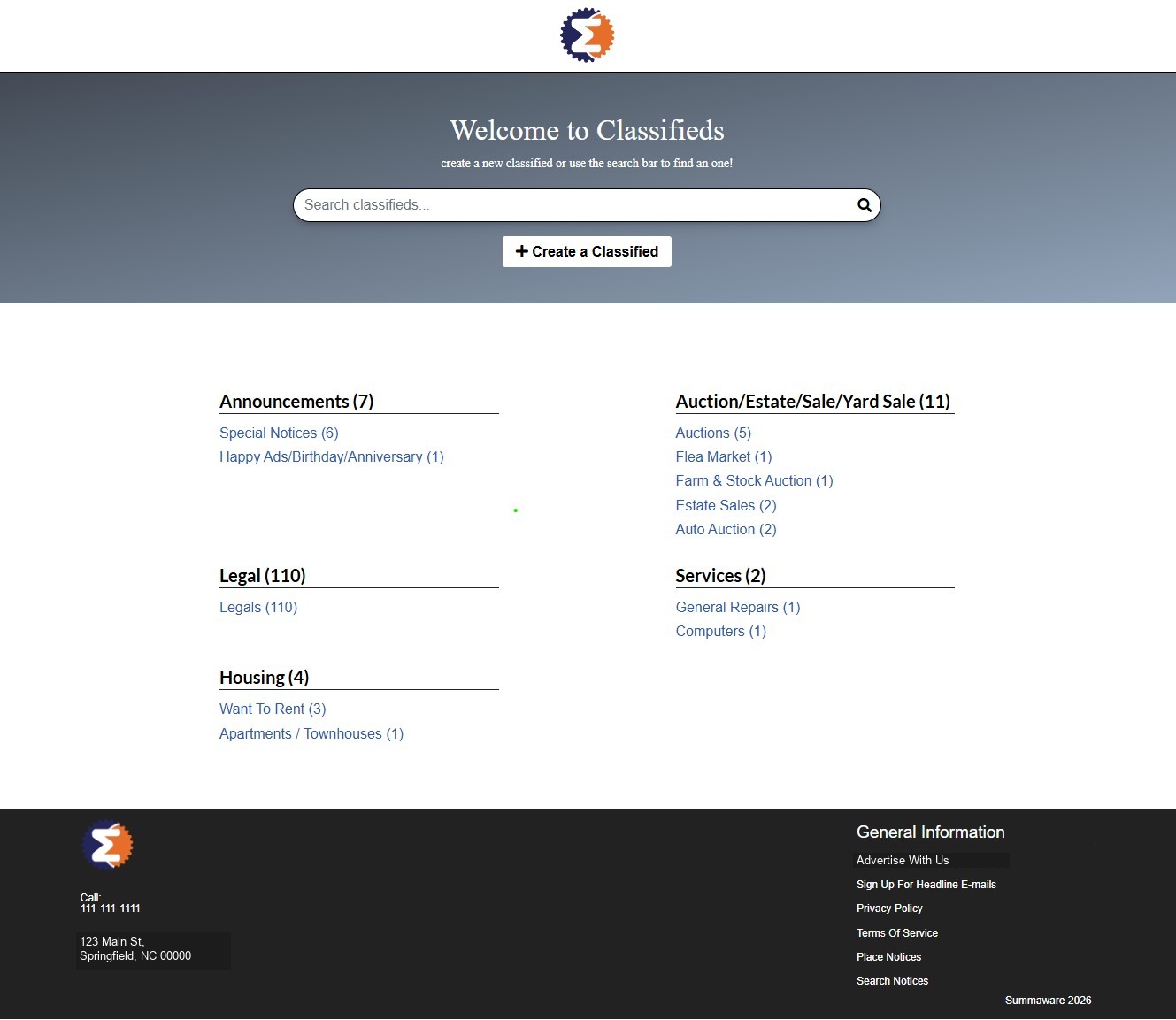
A classifieds marketplace built on WordPress and WooCommerce, similar in spirit to Craigslist. Listings are organized into categories and subcategories on a public-facing browse page, while WooCommerce handles the order pipeline for each submitted ad.
A legacy ad import tool pulls listings in from an external XML source on a schedule, maps them to classification codes (with CSV import/export for bulk code management), and creates them as orders automatically.
On the public side, a step-by-step ad builder walks a customer through creating a classified: pick a publication, pick a category, write the ad and set pricing options, choose a run schedule, then build the ad copy and check out. Completing the flow is what actually creates the WooCommerce order behind the scenes.
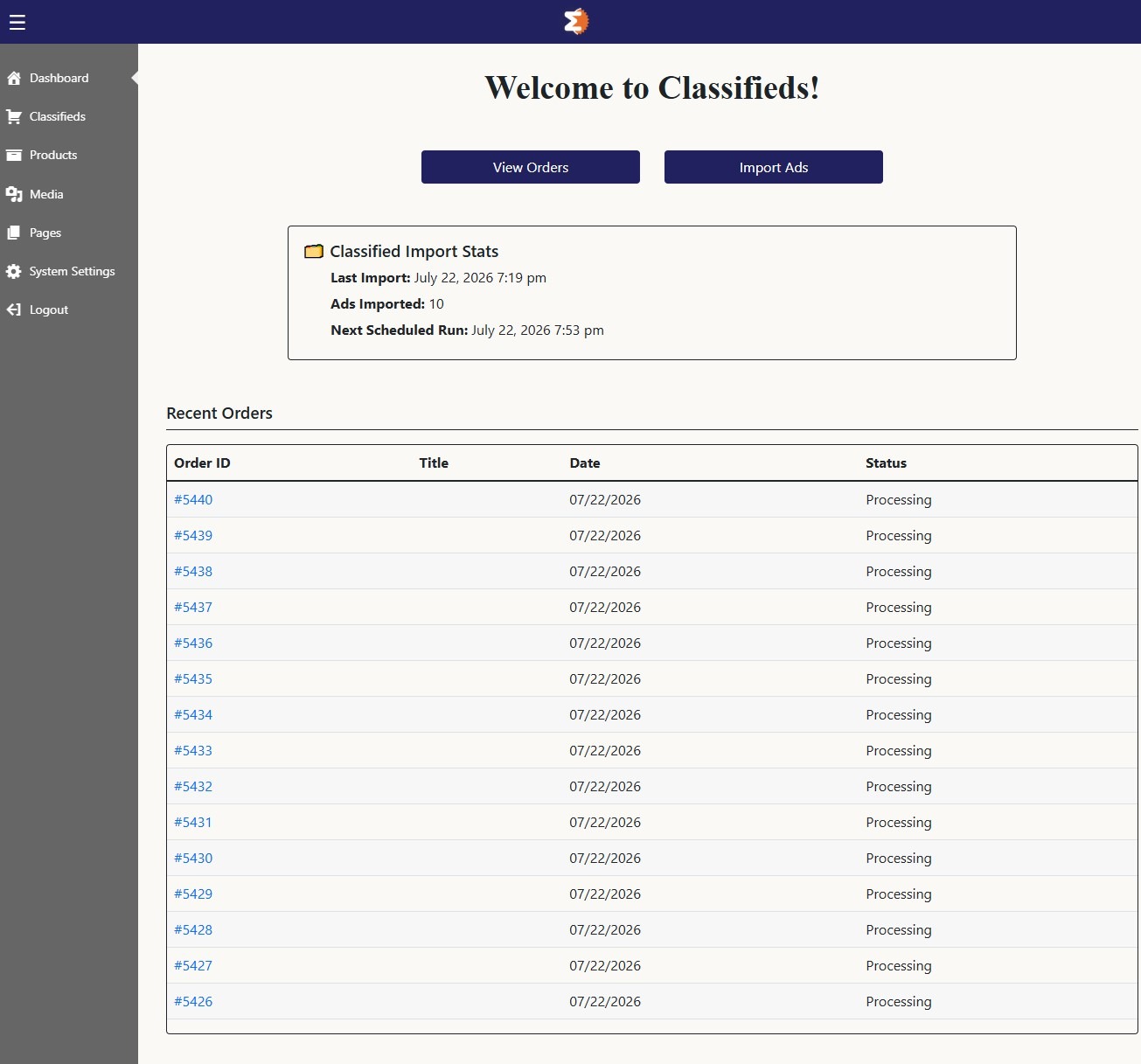
Admin dashboard
A custom admin home screen surfaces the most common actions, viewing orders and importing ads, alongside at-a-glance stats on the last import run and what’s scheduled next.
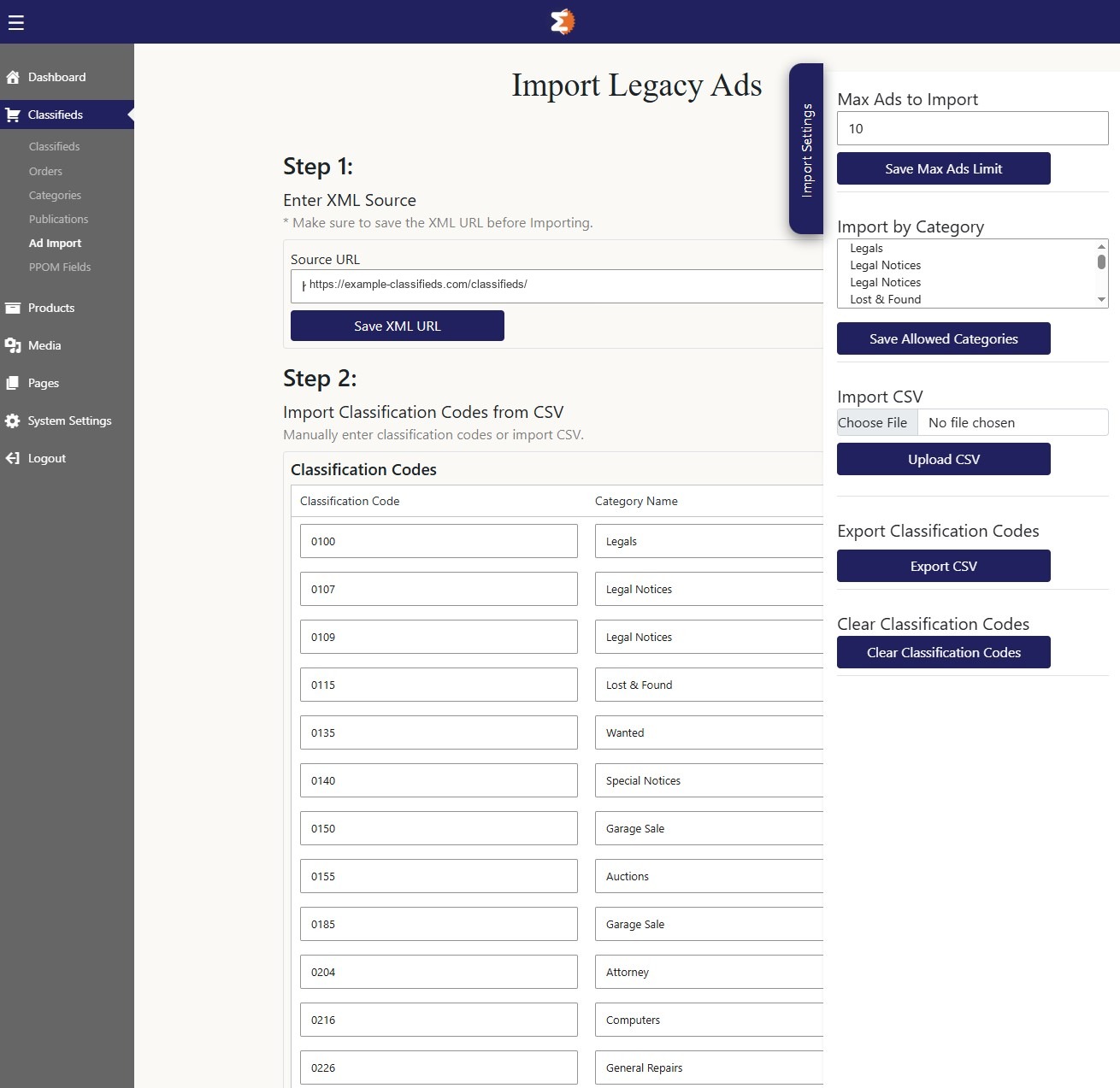
Legacy ad import
Listings are pulled on a schedule from an external XML source and mapped to classification codes, which can be entered manually or bulk-managed through CSV import and export.
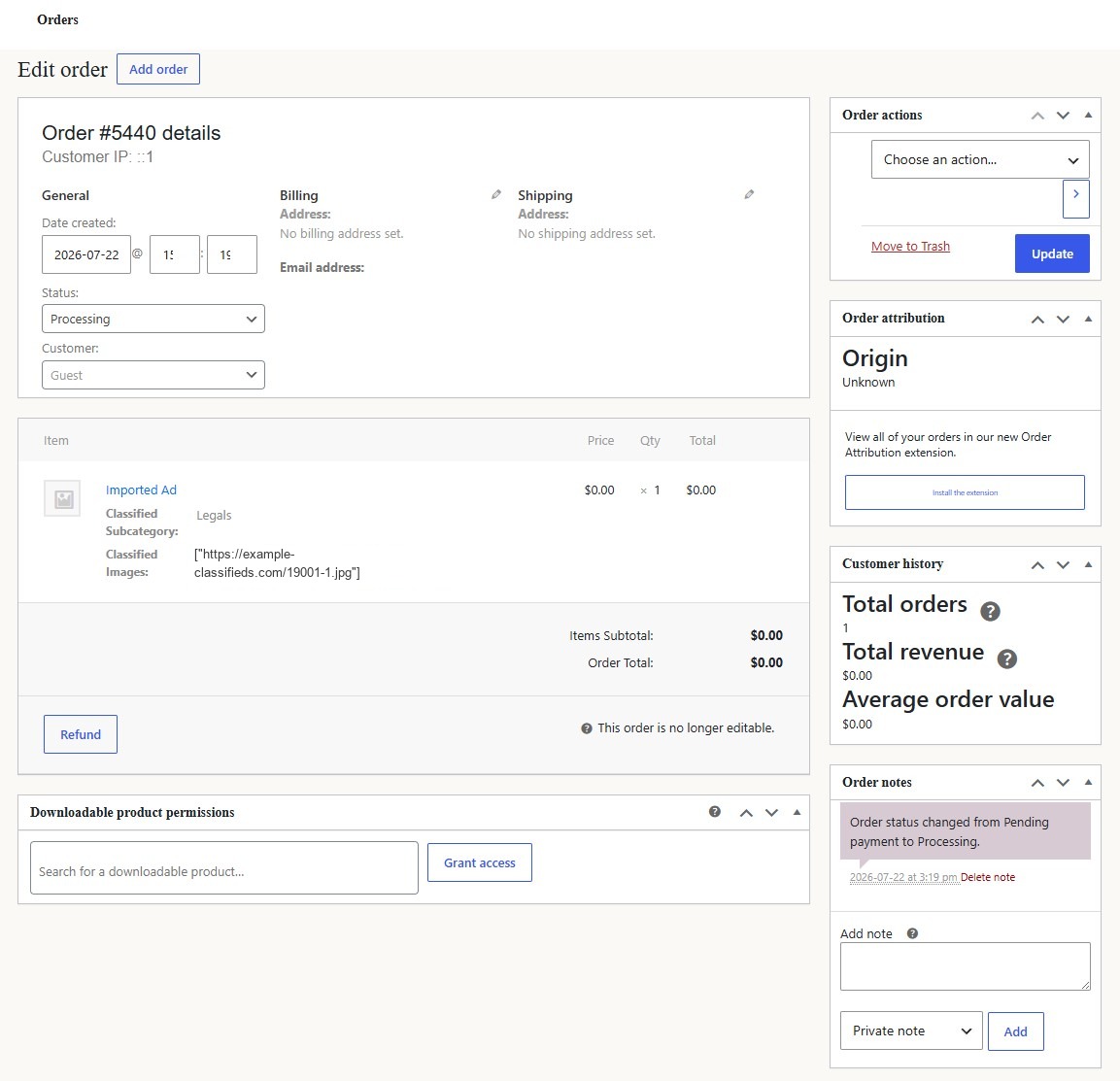
Order management
Every imported ad becomes a WooCommerce order, giving the team a familiar interface for tracking status, customer history, and notes on each submission.
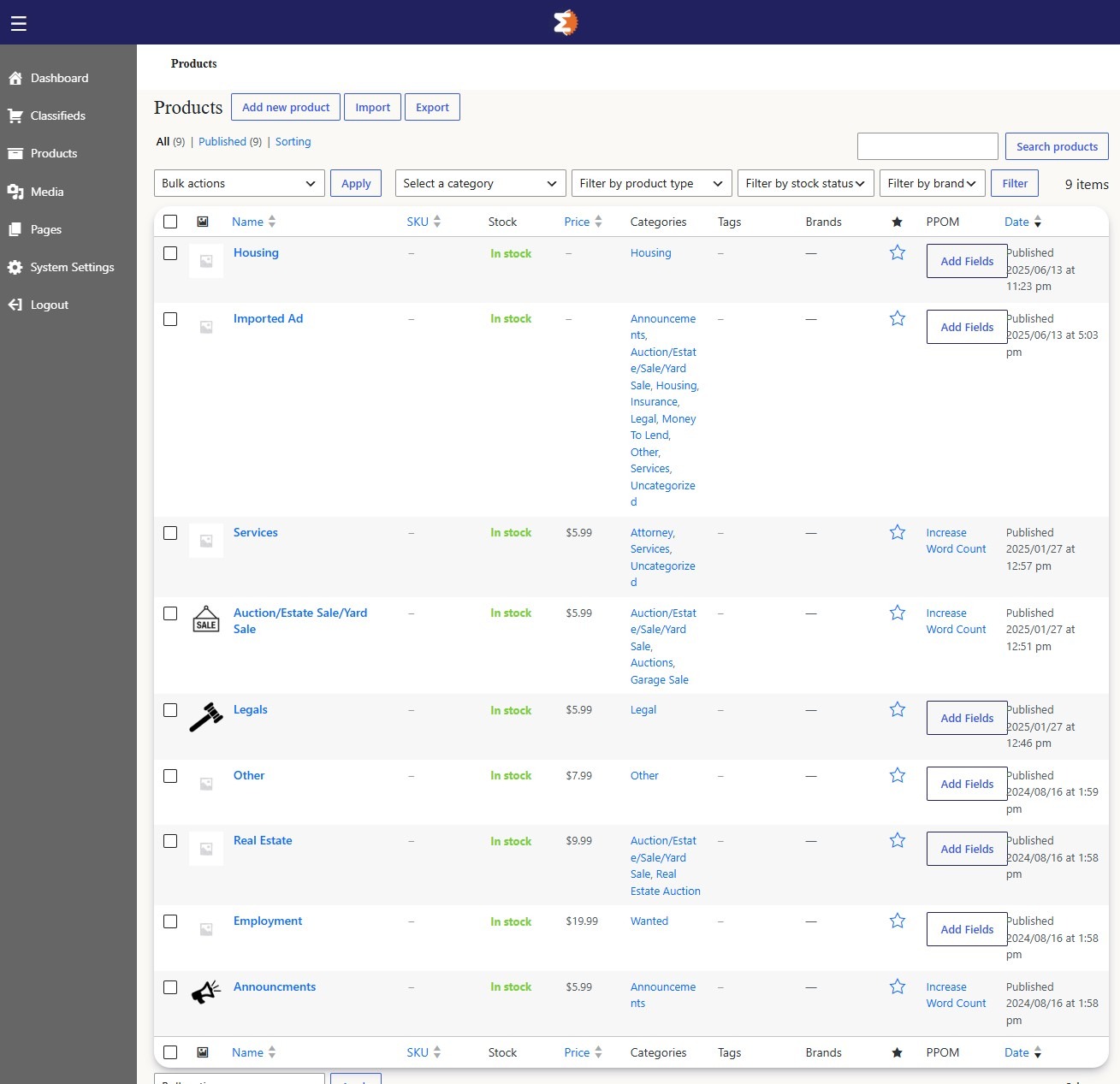
Category-based products
Each classified category is modeled as a WooCommerce product with its own pricing and custom fields, so pricing rules can vary by category without touching code.
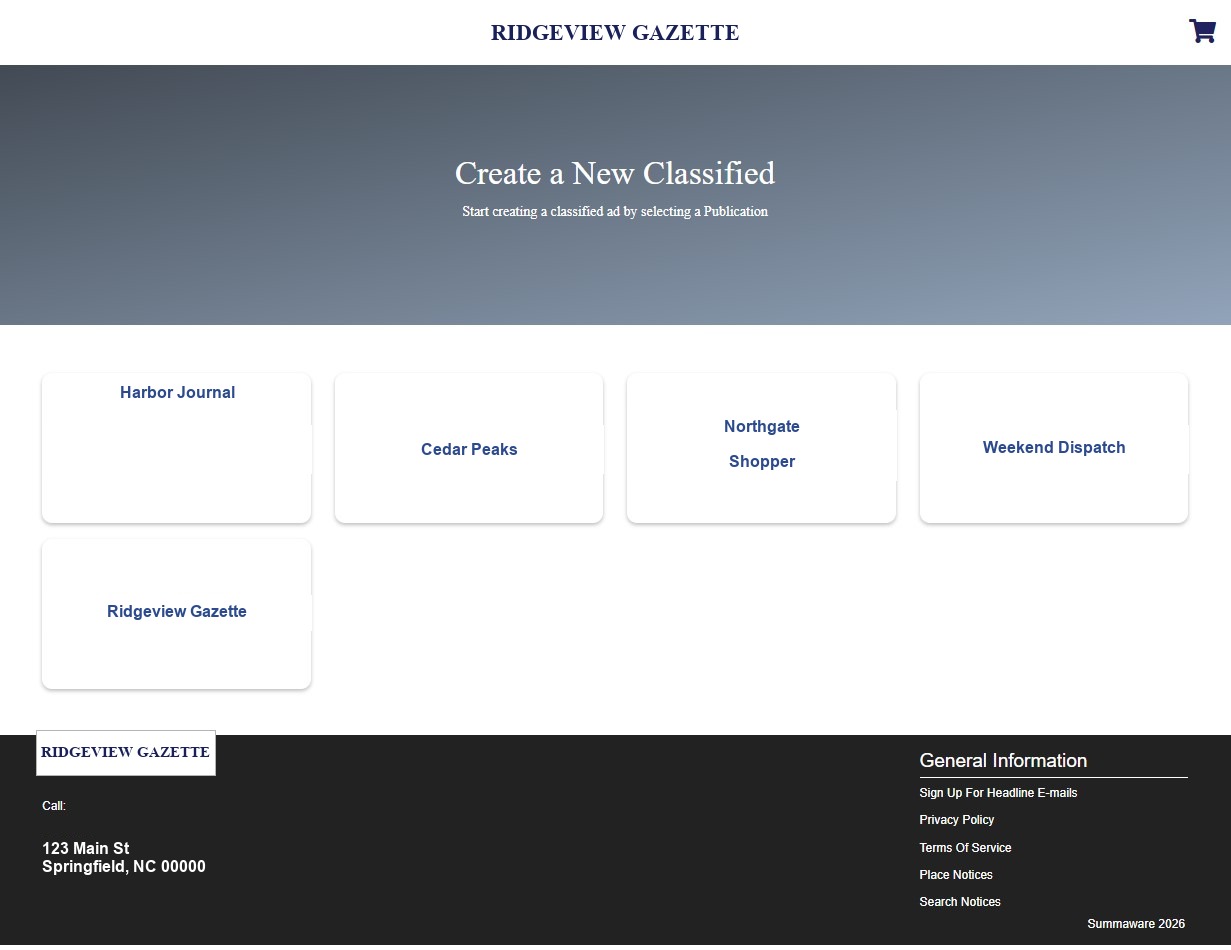
Choosing a publication
The ad builder starts by asking which publication the classified will run in, each with its own pricing and category set.
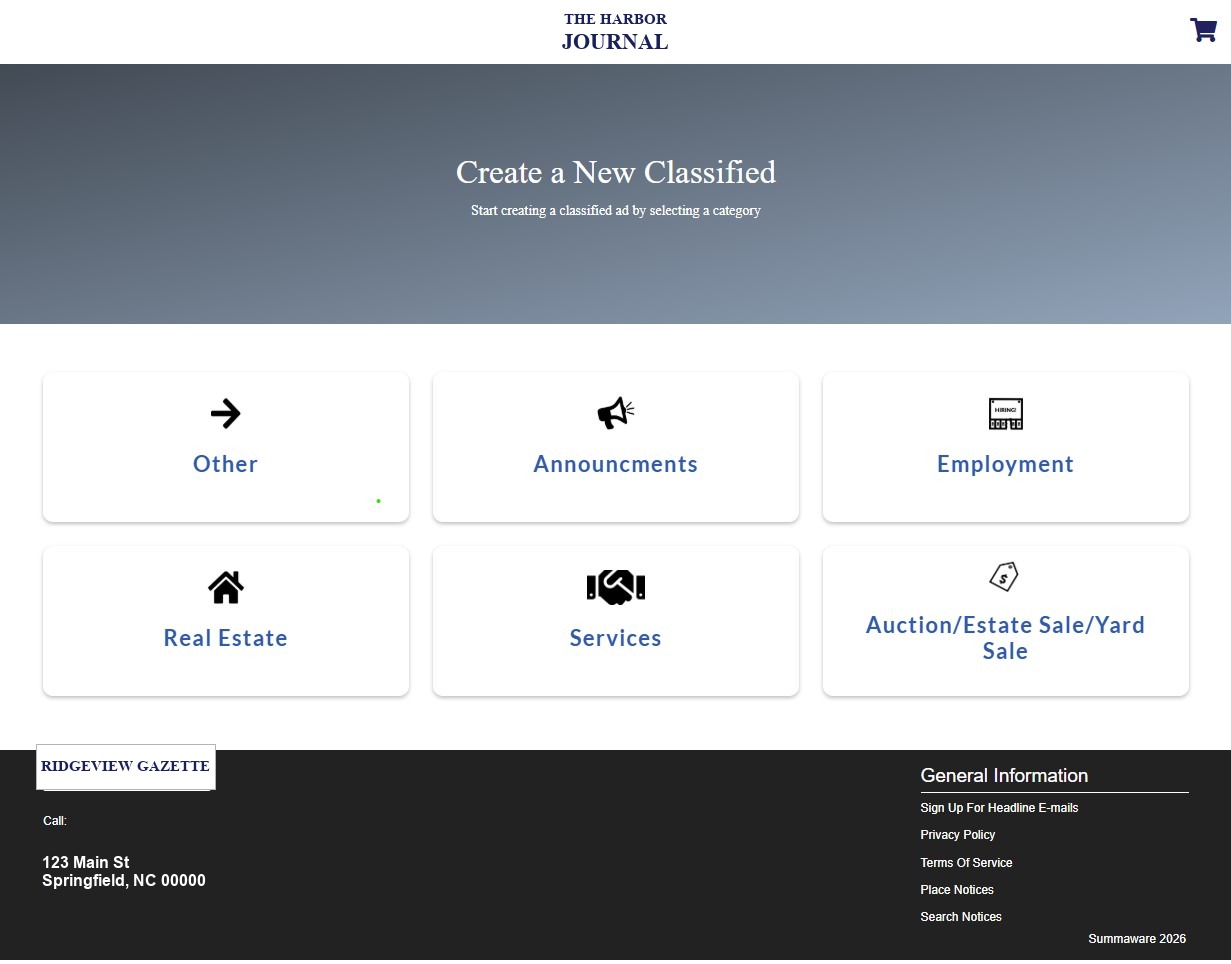
Choosing a category
Categories are scoped per publication, so customers only see the sections that publication actually offers.
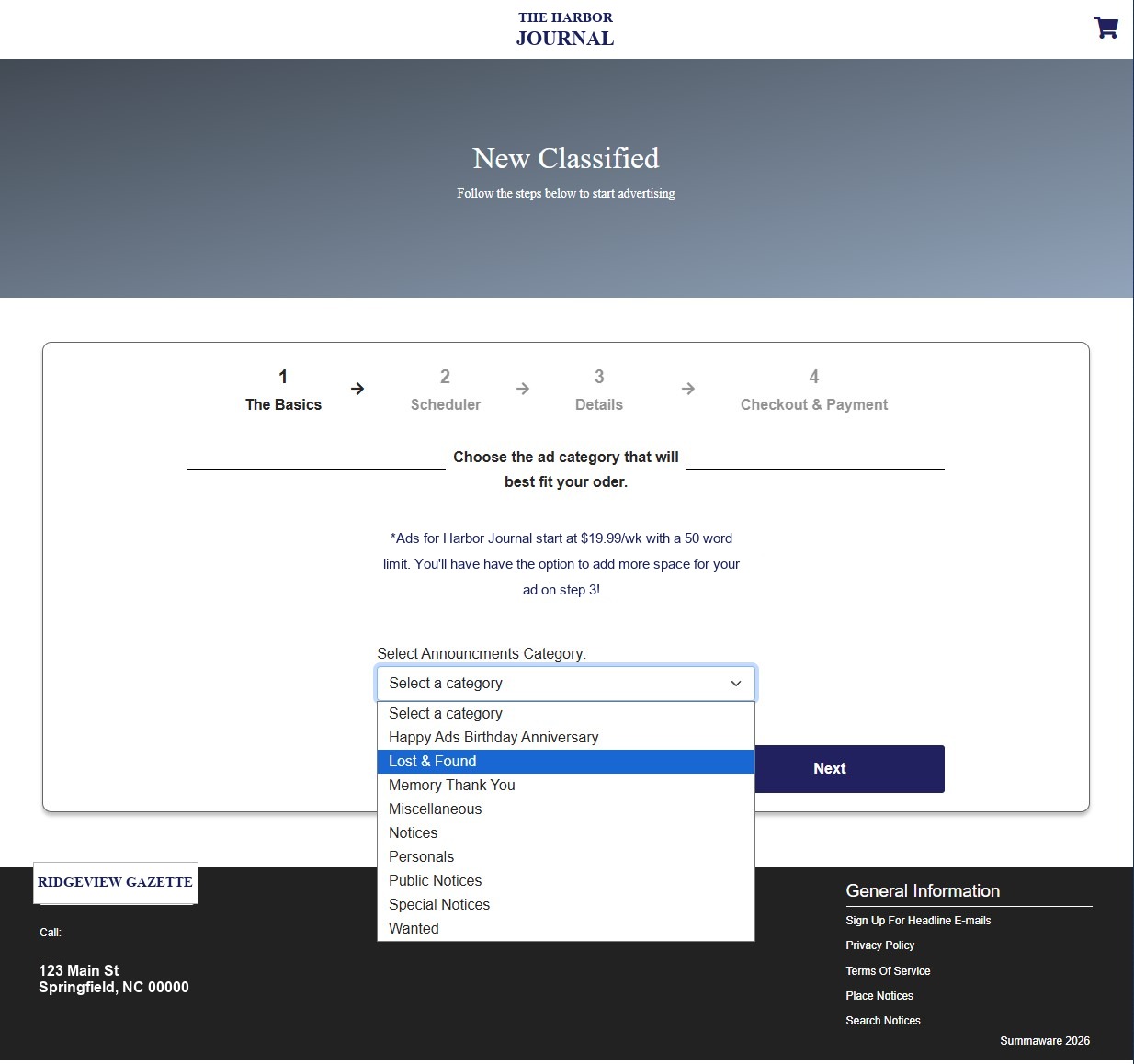
Ad basics and pricing
Base pricing and word limits are shown up front, tied to the selected publication and category.
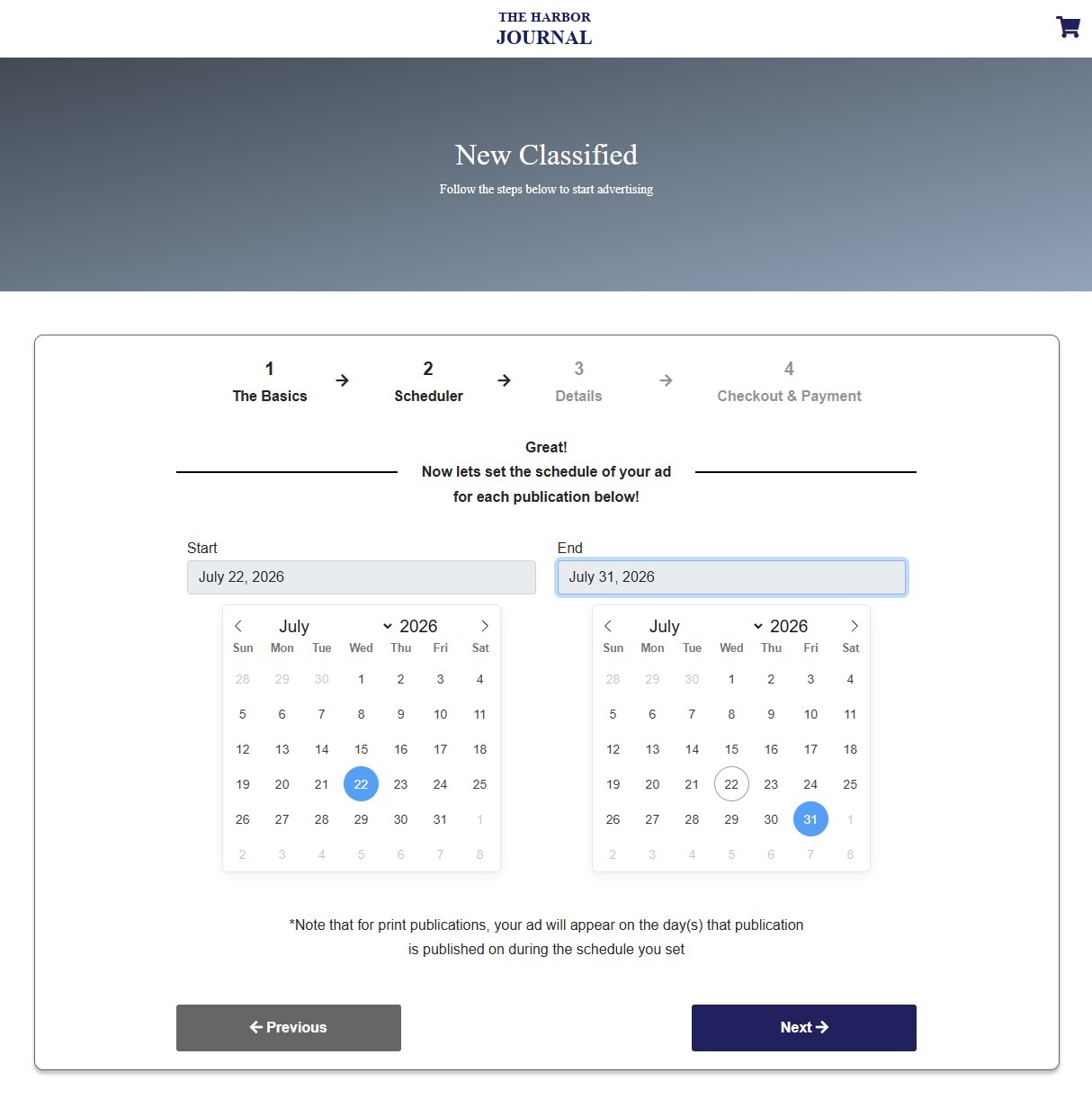
Scheduling the ad
Customers pick a start and end date, with a note that print runs follow that publication’s actual print schedule.
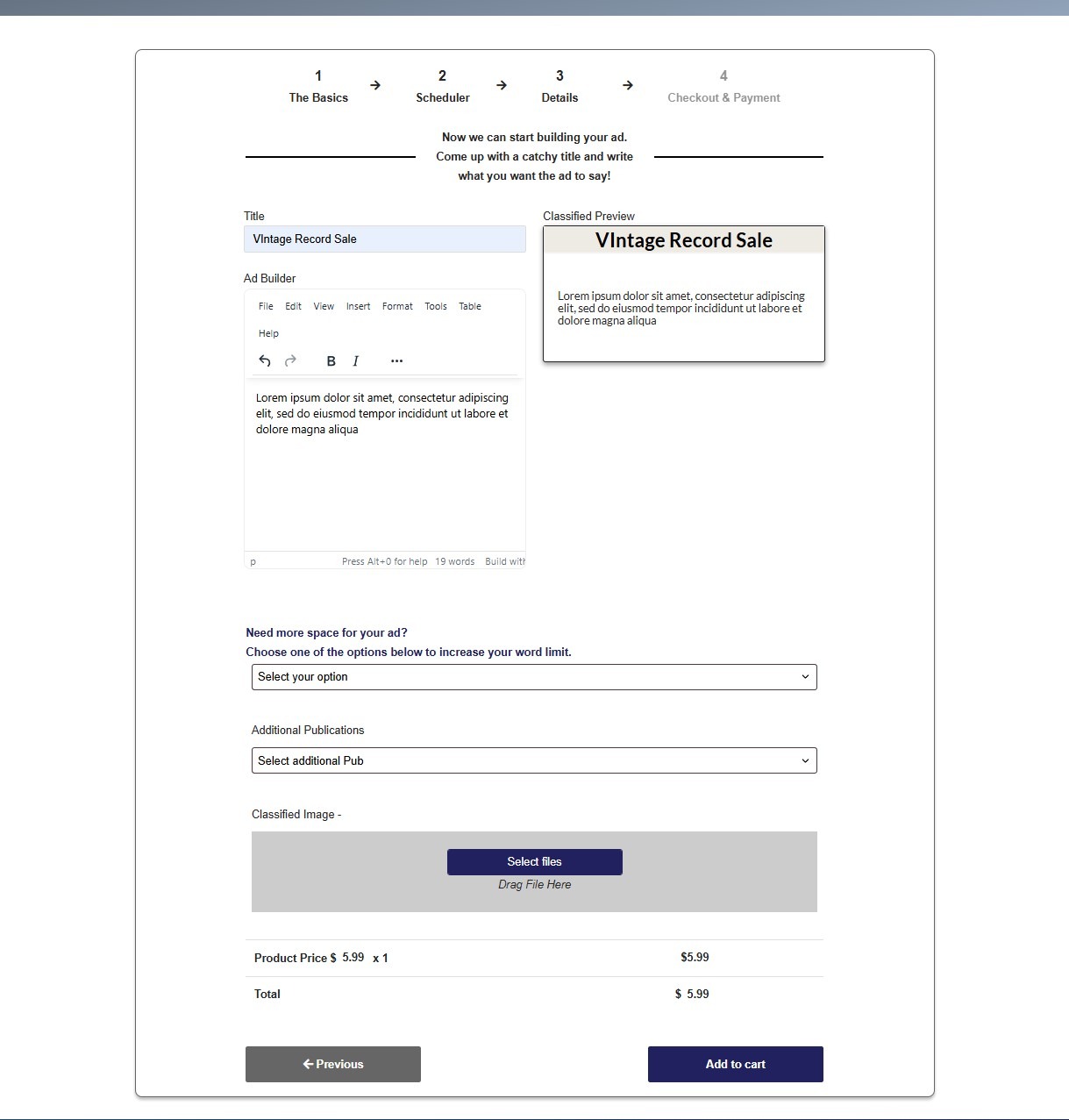
Building the ad and checkout
A live preview updates as the ad copy is written, with options to add space, add publications, and attach an image before the order is added to the cart.